Azerbaijan
 Russian
 Turkish

1 min read
How to redeem a Valorant VP code: picking the right region
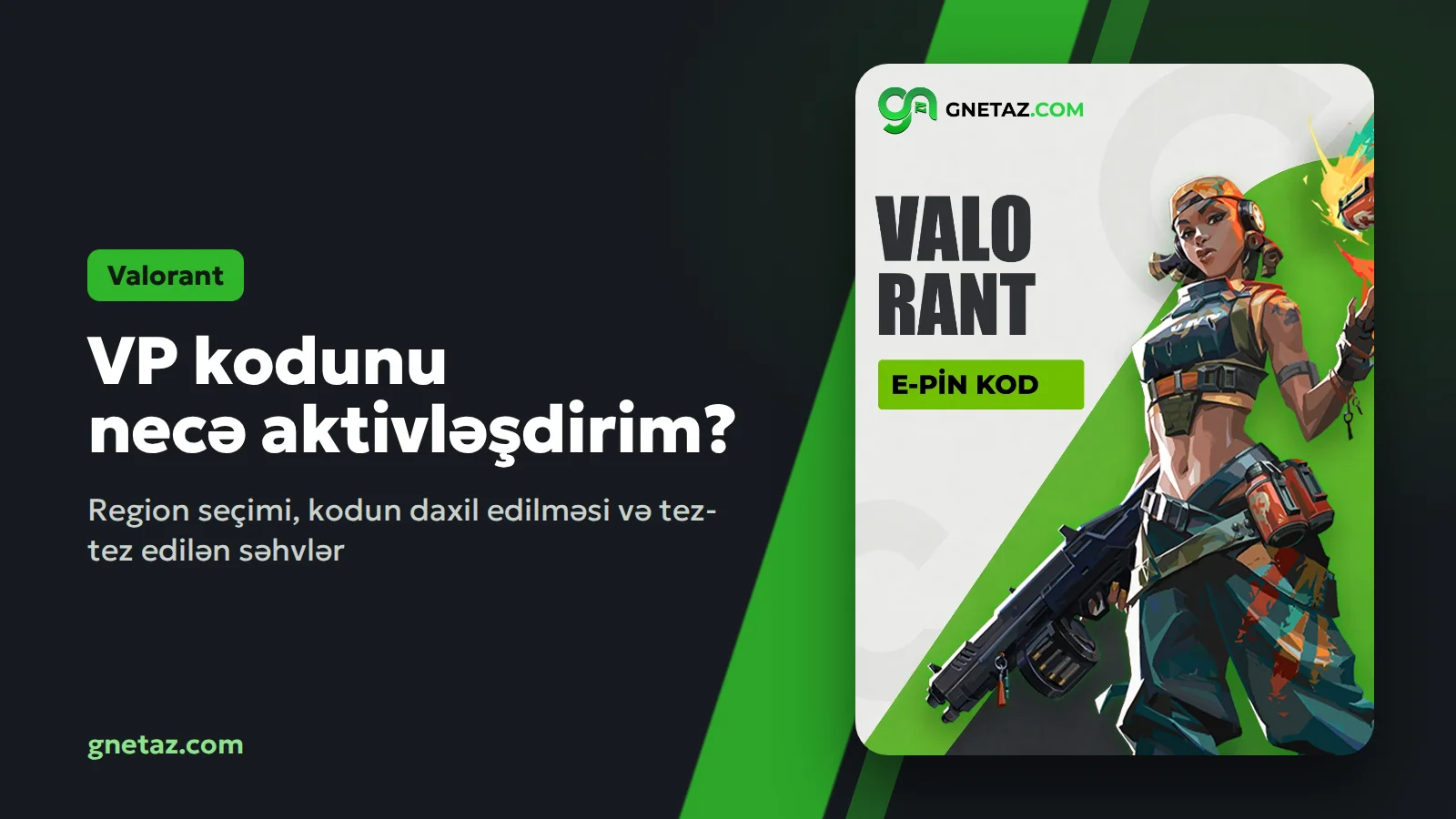
In Valorant, VP (Valorant Points) buys skins, the Battle Pass and agent contracts. GNET sells VP as e-pin codes: once the order is done, the code shows up under "My orders" and you enter it in the game yourself. Nobody needs your account password.
The one thing to get right is the region. A VP code only works in its own region. A Turkey code goes to a Turkey-region Riot account, and a Europe code to a Europe-region account. Most accounts opened from Azerbaijan are in the Europe region, but check before you order. The region is set when the account is created and is not easy to change later.
GNET has two sections:
- Valorant Europe and Azerbaijan: packs from 240 VP to 11000 VP.
- Valorant Turkey: packs from 375 VP to 8900 VP.
Buying the code:
1. Sign in to GNET and top up your balance.
2. Open the section that matches your account region and pick a pack.
3. Confirm the order. The code is usually ready in 5-15 minutes.
Redeeming it in the game:
1. Open Valorant and go to the Store.
2. Click the VP icon at the top and choose "Prepaid Cards & Codes".
3. Type the code without spaces and confirm. Your VP balance goes up right away.
Common mistakes: entering the code on an account from another region, a space slipping in at the start or end when copying, and trying to use the same code twice. Each code works once.
Not sure which section is yours? Write to the Help desk or WhatsApp before ordering.
The one thing to get right is the region. A VP code only works in its own region. A Turkey code goes to a Turkey-region Riot account, and a Europe code to a Europe-region account. Most accounts opened from Azerbaijan are in the Europe region, but check before you order. The region is set when the account is created and is not easy to change later.
GNET has two sections:
- Valorant Europe and Azerbaijan: packs from 240 VP to 11000 VP.
- Valorant Turkey: packs from 375 VP to 8900 VP.
Buying the code:
1. Sign in to GNET and top up your balance.
2. Open the section that matches your account region and pick a pack.
3. Confirm the order. The code is usually ready in 5-15 minutes.
Redeeming it in the game:
1. Open Valorant and go to the Store.
2. Click the VP icon at the top and choose "Prepaid Cards & Codes".
3. Type the code without spaces and confirm. Your VP balance goes up right away.
Common mistakes: entering the code on an account from another region, a space slipping in at the start or end when copying, and trying to use the same code twice. Each code works once.
Not sure which section is yours? Write to the Help desk or WhatsApp before ordering.