Azerbaijan
 Russian
 Turkish

1 min read
The new GNET site: easier to find things, every step explained
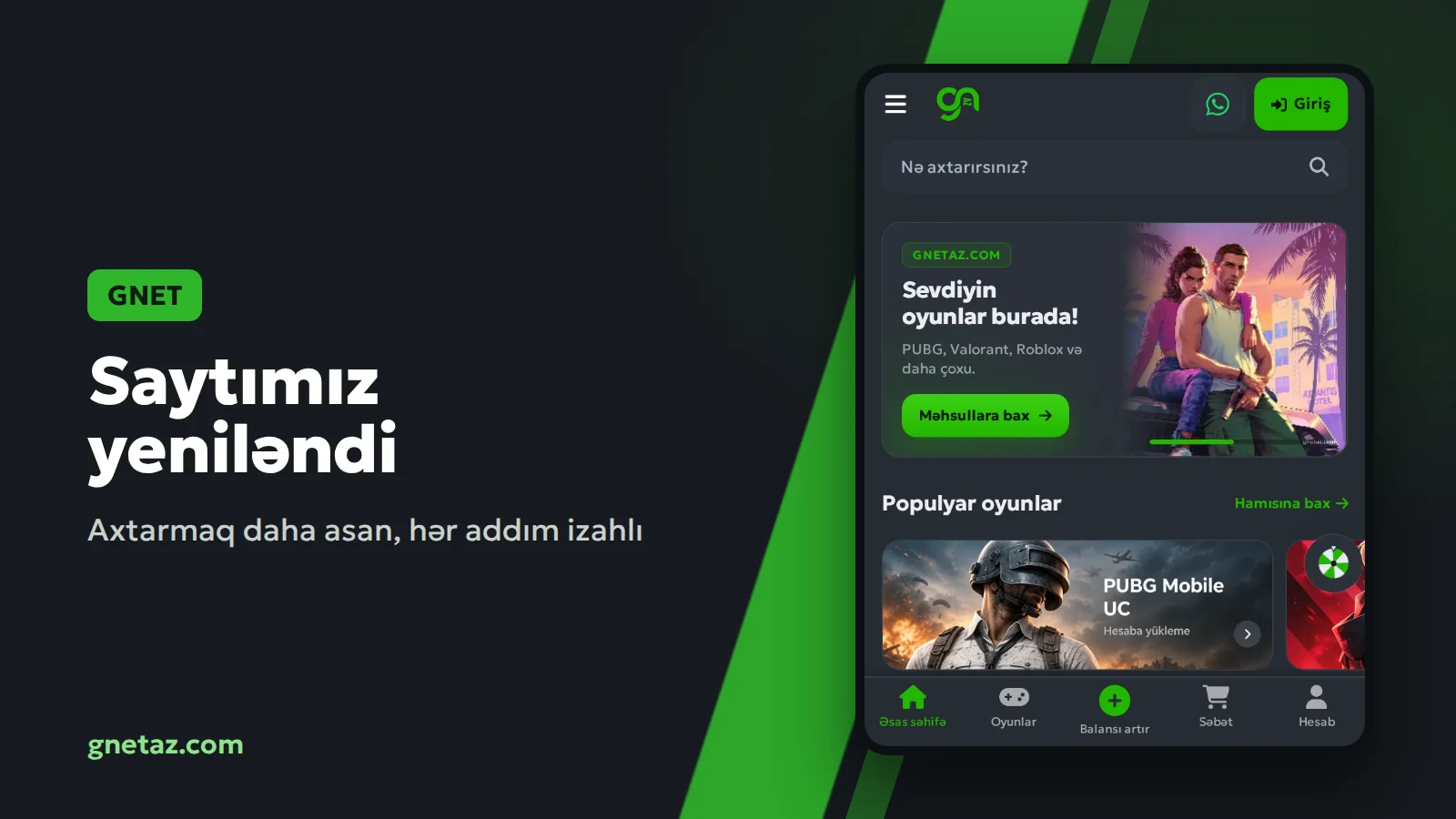
We rebuilt the GNET site. It still looks familiar, with the same colours and sections, but a lot changed underneath. The aim was simple: find your game quickly and know every step of the order before you start.
What changed:
1. Search. Results appear as soon as you start typing a game's name in the search box at the top. It also understands everyday phrases like "pubg uc" or "free fire diamonds".
2. Every product explained. Each game page shows how the order works, step by step: what details are needed, where to find your Player ID, and when the code or top-up arrives. Below that are the common questions about that game.
3. Packs at a glance. Packs sit in a tidy grid with the price in AZN. On phones the order button stays at the bottom of the screen.
4. Assistant. The chat button in the corner opens the Assistant. Ask which pack suits you, where your order is, or how to pay. For anything more involved, the Help desk and WhatsApp are still there.
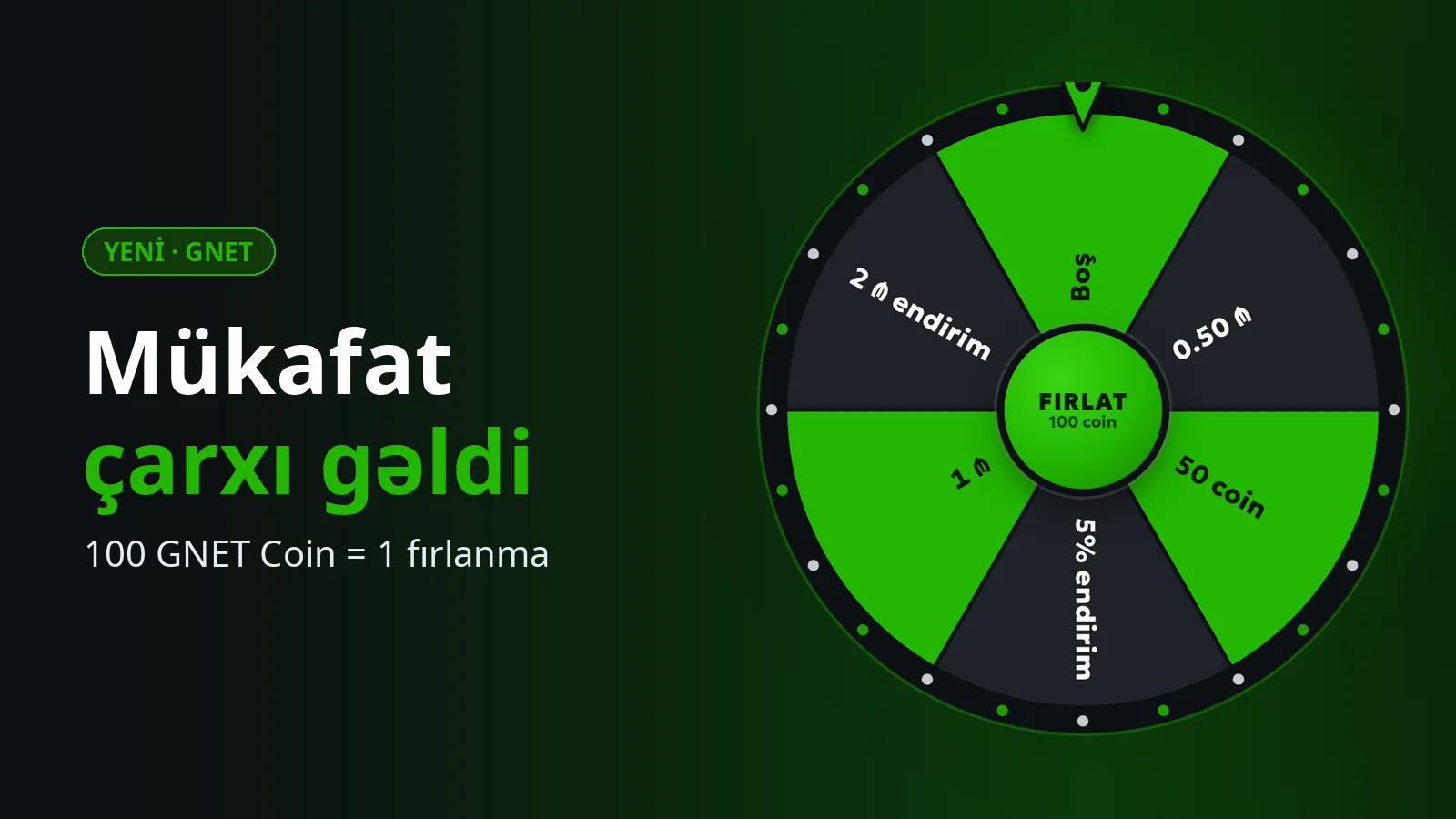
5. Prize wheel. GNET Coins earned on new purchases spin the wheel for balance, coins or promo codes.
6. Faster pages. The site opens much quicker than before, on phones and computers, even on a weak connection.
Your account, balance and order history are all as they were. You may need to sign in once after the update; your password is the same.
If something is hard to find or does not work the way you expect, tell us. We will keep improving the site from your feedback.
What changed:
1. Search. Results appear as soon as you start typing a game's name in the search box at the top. It also understands everyday phrases like "pubg uc" or "free fire diamonds".
2. Every product explained. Each game page shows how the order works, step by step: what details are needed, where to find your Player ID, and when the code or top-up arrives. Below that are the common questions about that game.
3. Packs at a glance. Packs sit in a tidy grid with the price in AZN. On phones the order button stays at the bottom of the screen.
4. Assistant. The chat button in the corner opens the Assistant. Ask which pack suits you, where your order is, or how to pay. For anything more involved, the Help desk and WhatsApp are still there.
5. Prize wheel. GNET Coins earned on new purchases spin the wheel for balance, coins or promo codes.
6. Faster pages. The site opens much quicker than before, on phones and computers, even on a weak connection.
Your account, balance and order history are all as they were. You may need to sign in once after the update; your password is the same.
If something is hard to find or does not work the way you expect, tell us. We will keep improving the site from your feedback.