Azerbaijan
 Russian
 Turkish
How to top up Google Play: gift cards, regions and redeeming a code
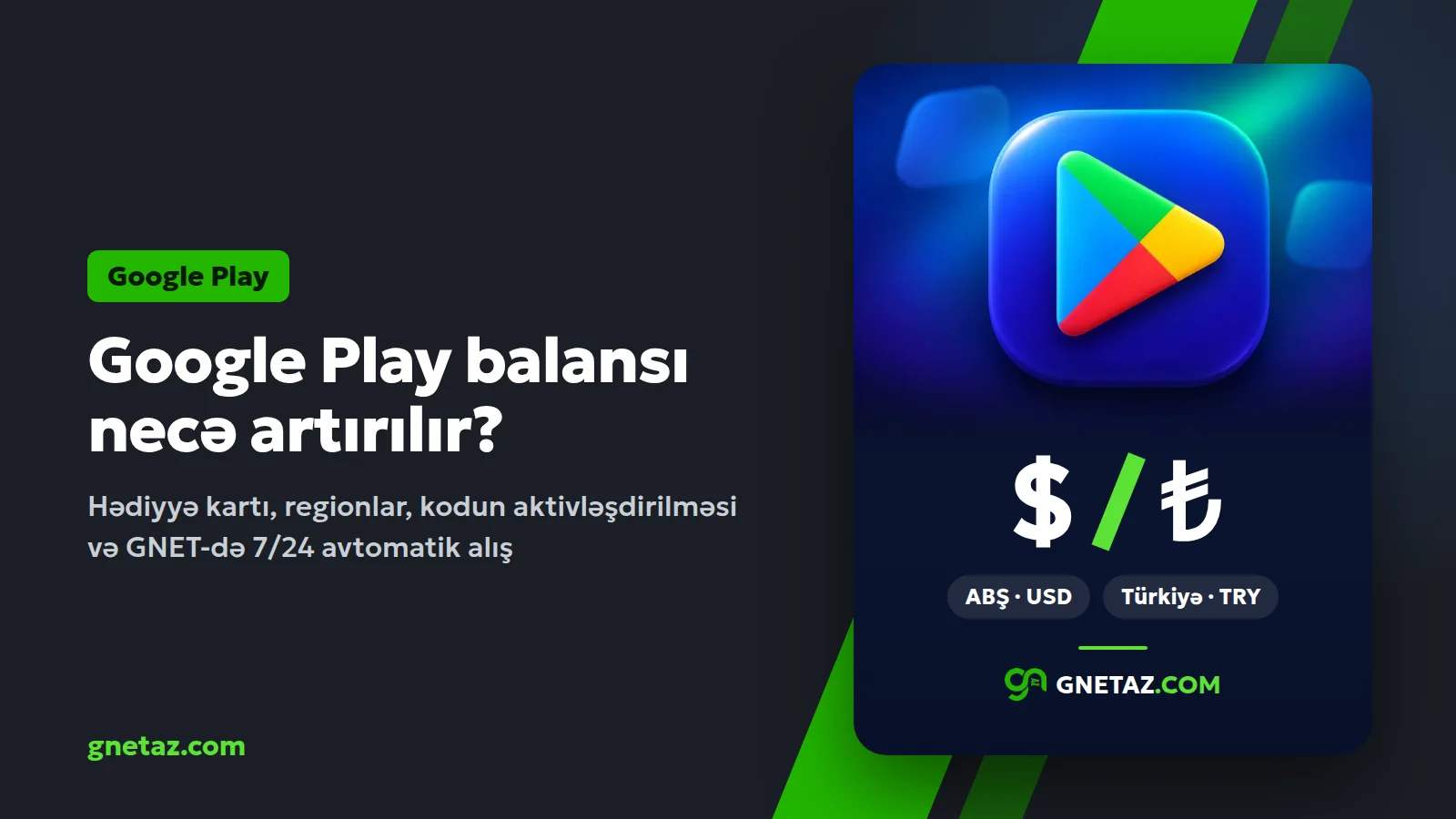
A Google Play balance is the easiest way to pay for paid apps, games, in-app purchases and subscriptions on an Android phone. No bank card has to be linked: you redeem a gift code, the amount goes to your Google account and is used automatically on your next purchases. This article explains what the balance buys, why the region matters, and how to buy and redeem a code at GNET.
What can you buy with a Google Play balance?
- Paid apps and games.
- In-app purchases: currency and packs in PUBG Mobile, Brawl Stars, Clash of Clans, Roblox and other games.
- Subscriptions billed through Google Play.
Why does the region matter?
Google Play gift cards are country-locked. The card's country must match the Play country of your Google account, or the code is not accepted. GNET has two sections:
- Google Play USA: codes from 5 to 200 USD, for an account whose Play country is the United States.
- Google Play Turkey: codes from 25 to 1000 TRY, for an account whose Play country is Turkey.
You can see your account's country in the Play Store by tapping your profile picture and opening "Payments & subscriptions". The Play country can be changed once a year and the old country's balance cannot be used in the new one, so check it before you buy.
How to buy at GNET
1. Sign in at gnetaz.com or continue as a guest.
2. Top up your balance: by bank or terminal with no fee, by card online 24/7.
3. In the Google Play section pick the region and value, then place the order.
4. The code is issued automatically, 24/7 right after payment and appears on your order page. No need to wait for an operator, even at night.
How to redeem the code
1. Open the Play Store app and tap your profile picture.
2. Choose "Payments & subscriptions", then "Redeem gift code".
3. Enter the code and confirm. The amount is added to your Google Play balance at once.
On a computer you can also use play.google.com/redeem.
Frequently asked questions
The code does not work, what should I do? Check that you copied it without spaces and check your account's Play country. If it still fails, message support on WhatsApp with your order number.
Can the balance be given to someone else? No. Once redeemed, the amount stays on that Google account.
What about a larger purchase? You can redeem several codes one after another; the amounts add up in your balance.
Every purchase also earns you GNET Coins. If you have a question, the site's AI assistant Qəmbər and WhatsApp support are always open.